Retroloop USA
PANPEO USB C Keystone Jack Insert Adapters Female to Female Inserts Connector Interface Coupler Socket Adapter Port for Wall Plate Outlet Panel (3 Pack - Black)
PANPEO USB C Keystone Jack Insert Adapters Female to Female Inserts Connector Interface Coupler Socket Adapter Port for Wall Plate Outlet Panel (3 Pack - Black)
Couldn't load pickup availability


PANPEO USB C Keystone Jack,USB C to USB C Adapters Female to Female Inserts Connector Interface Coupler Socket Adapter Port
Specification:
- Quantity:3-Pack
- Size:Length, width, height(2.9cm*1.6cm*1.5cm)
- Material:plastic.
- Connectors 1 :USB 3.2 Type-C Keystone Female jack .
- Connectors 2 : USB 2.0 Type-C Keystone Female jack.
USB C 3.2 keystone insert:
- This is USB 3.2 full-featured adapters, It supports Charging, data sync,audio and video transfer,The maximum current is 3A, Data synchronization speed up to 5 Gbps.
- It is usually used as a USB C type extension cable, charging data transmission for mobile phones and computers, and audio and video signal transmission.
- (Note:3 A current, 5 Gbps data synchronization and USB Type C 3.2 full-featured depends on your extension cable) (Note: Make sure that your input phone or laptop and output monitor.

Installation Tips:
- USB Type-C Keystone Jack Insert is vertically oriented
- Hook the bottom lip into the cut-out while holding the keystone insert at a slight angle
- Rotate the insert upward to snap the retaining clip on the top into the cut-out until it snaps into place
- Connect an USB Type-C adapter to route cables in tight spaces
- Test all the cabling with the keystone insert before installing permanently in the wall
- (Note: This USB Type-C adapter may not be suitable for the ultra-thin decorative wall panel of the trapezoidal jack. Please think about your installation position before loading. The USB Type-C adapter is difficult to remove after installation.)
- It works with standard keystone wall plate and USB C cable
- Run USB C cable through the wall
- Connect one end of USB C cable to your target input/output
- Connect the other end to this USB C keystone jack and snap it into the back of keystone wall plate
- Connect USB device to this USB C keystone jack


Important Note: Dual-Port Design with Different Functions
Please note that this coupler features two USB-C female ports with different capabilities:
• High-Speed / Full-Function Port: Supports data transfer up to 10 Gbps, audio/video signal transmission, and charging.
• Standard Charging/Data Port: Supports charging and basic data sync at USB 2.0 speeds (480 Mbps). To enable video or high-speed data transfer, you MUST connect your host device (e.g., laptop) to the(High-Speed / Full-Function Port). Actual performance depends on your cable and connected devices.

Widely used:
For most usb c devices such as Samsung Galaxy Note 8, Samsung Galaxy S8 Plus, Nintendo Switch, LG V30, G6, G5, V20, ChromeBook Pixel, New Macbook and more.

Easy to install:
Quick snaps in installation and easily fits standard keystone wall plate, patch panel or surface box; Compatible with nearly all keystone style wall plates.

Since the ports are visually identical, follow this guide upon arrival to identify the high-speed port:
- Prepare: One video-capable USB-C cable (e.g., from a laptop) and a video-output device (e.g., a laptop).
- Test: Connect your device to a monitor/TV, then try each of the coupler's two ports.
- Mark: The port that activates the display is the High-Speed / Full-Function Port. We recommend marking it with a sticker or pen for future use.
- ⚠️ 【Important Note: Dual-Port Design with Different Functions】 Please note that this coupler features two USB-C female ports with different capabilities: High-Speed / Full-Function Port: Supports data transfer up to 10 Gbps, audio/video signal transmission, and charging. Standard Charging/Data Port: Supports charging and basic data sync at USB 2.0 speeds (480 Mbps). To enable video or high-speed data transfer, you MUST connect your host device (e.g., laptop) to the【High-Speed / Full-Function Port】. Actual performance depends on your cable and connected devices.
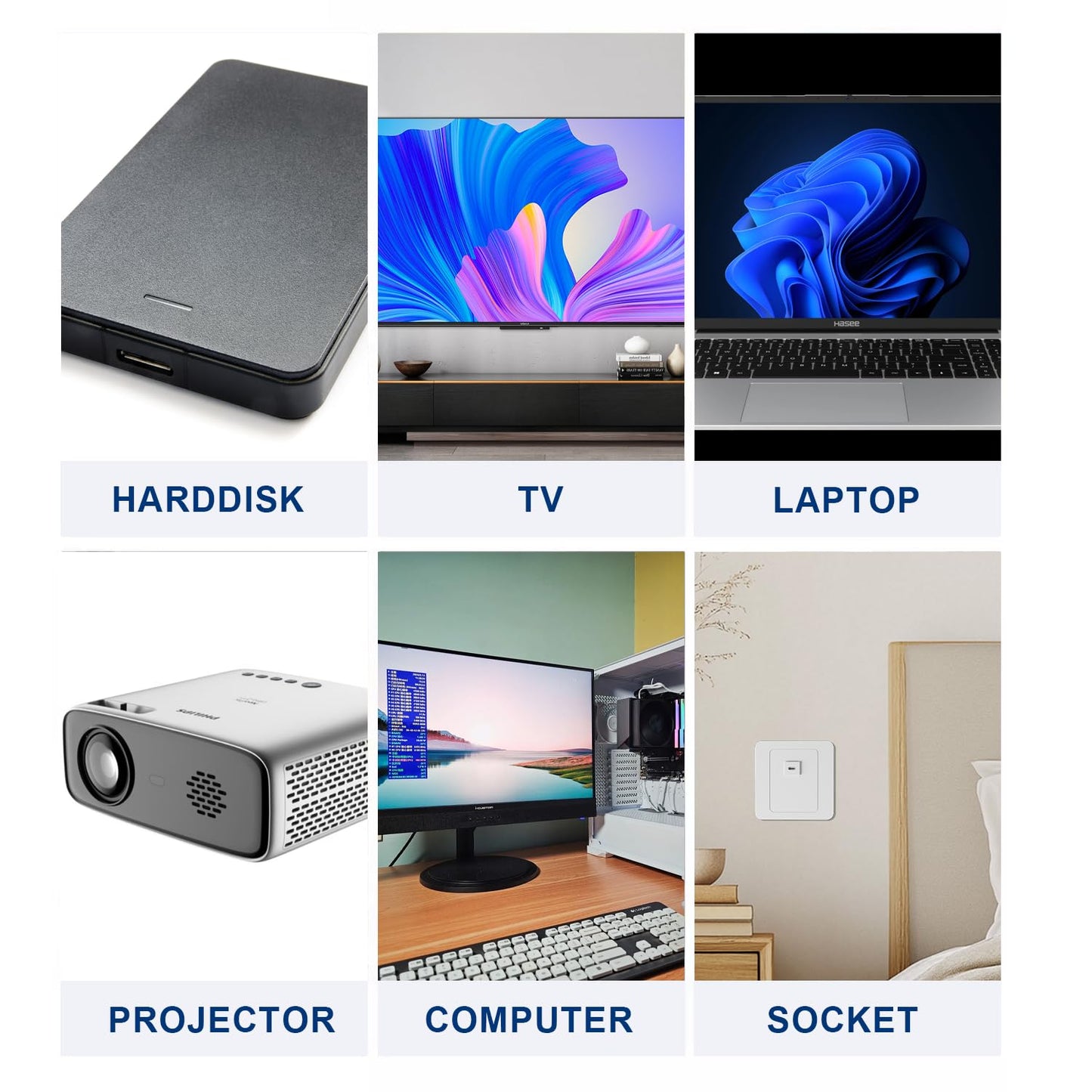
- 🔌 【Wide Compatibility & Easy Installation】 Connect various USB-C devices like computers, phones, and external hard drives. Snaps easily into any standard keystone wall plate, patch panel, or surface mount box to conceal cables for a professional, clean setup.
- ⚡ 【Full-Featured USB 3.2 Keystone Jack】 This is a full-featured USB 3.2 Gen 1 (formerly USB 3.1) keystone adapter. It supports charging (up to 3A), high-speed data sync, and audio/video signals—ideal for neatly extending ports through walls or desks.
- 🏠 【Professional In-Wall Cable Management Solution】 The perfect choice for creating a tidy home office, entertainment center, or conference room. Hide unsightly cables behind walls, leaving only clean and accessible ports.
- ✅【Package Contents】 - 3 x USB C Female to Female Coupler Adapter in Black.
| Compatible Devices | Wall Plate Outlet Panel |
| Connector Type | USB Type C |
| Color | 3 Pack - Black |
| Item dimensions L x W x H | 3.94 x 1.97 x 0.39 inches |
| Brand | PANPEO |